
Every patient call gets a clear next step.
KadaCall answers missed, after-hours, and overflow calls, captures complete appointment requests, and brings in clinic staff whenever patient care or human judgment is involved.
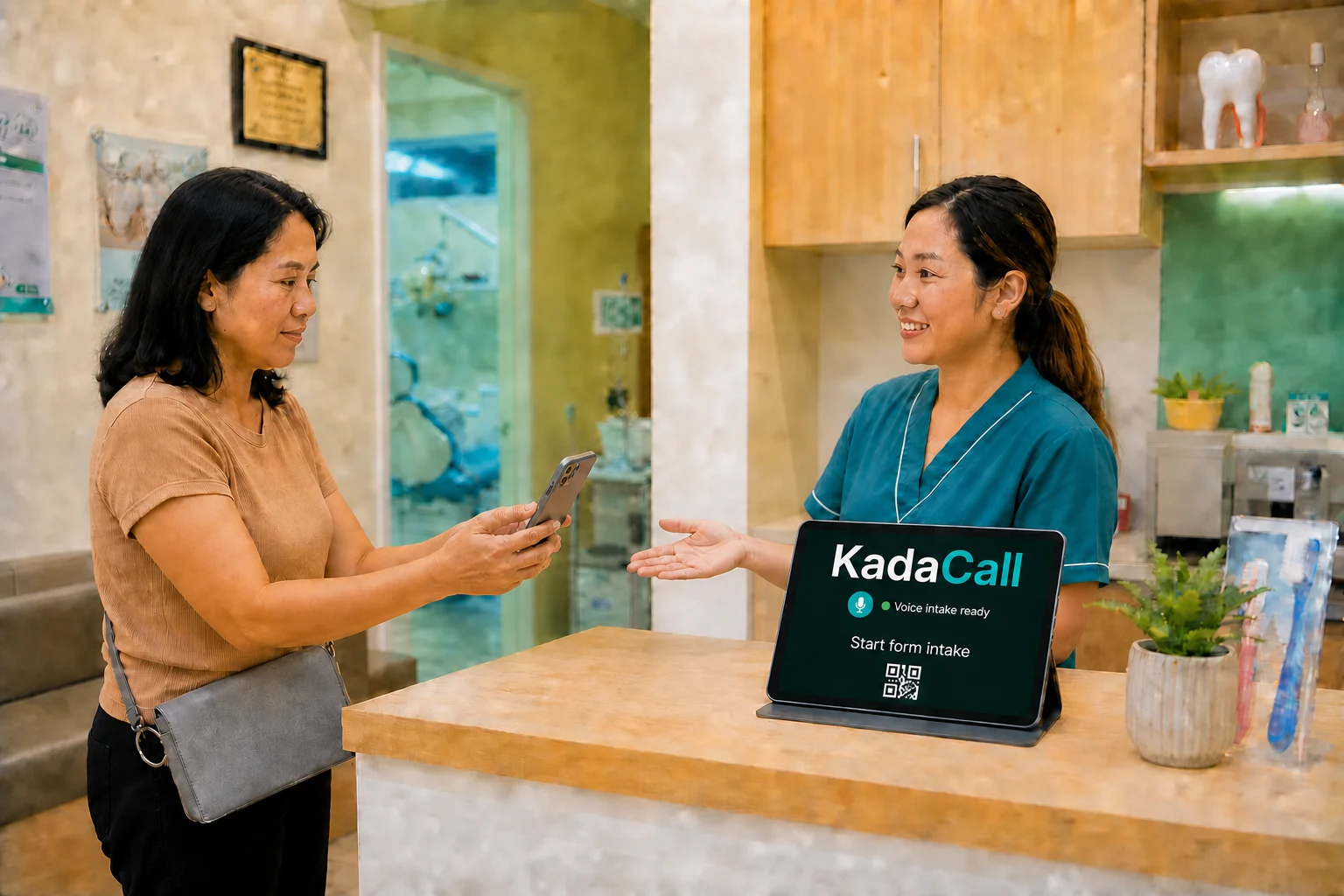
Show us how your calls work today.
We will use one real clinic scenario to show how KadaCall would answer, capture the request, and hand the next action to your staff.
- No patient data is needed for the walkthrough.
- No number forwarding or system changes are required.
- You will see both the caller experience and staff outcome.
Clear boundaries before a live call.
The operating rules are agreed with each clinic during onboarding and tested before coverage begins.
Will it work the way our clinic does?+
Yes. We configure KadaCall around your services, dentists, hours, booking rules, languages, and when your staff should step in. We review and test it with your team before it goes live.
Can it confirm appointments?+
The safest starting mode creates a complete appointment request for staff confirmation. Live booking is enabled only after the clinic's calendar rules and integration pass testing.
Will patient information be private and protected?+
Yes. We record calls for quality assurance and tell callers at the start. Routine recordings are deleted after 30 days; an authorized QA review may retain a tagged recording for up to 90 days for a specific issue. Access is limited to authorized clinic and KadaCall QA staff.
Does KadaCall provide dental advice?+
No. KadaCall handles administrative conversations. Diagnosis, treatment recommendations, medication guidance, and interpretation stay with licensed clinic staff.
How are updates and fixes handled?+
Routine clinic updates and bug fixes are handled after launch. Larger changes are scoped with you before work begins. Your onboarding guide explains what is included and how changes are approved.
How does phone setup work?+
Your clinic keeps its public number. We confirm that the gateway location has reliable cellular coverage and internet, then configure and support the equipment for you. If the clinic has fiber, that is usually the simplest location; a stable off-site location is also possible.
What languages can it handle?+
Each clinic selects the languages and speaking style it wants. Those conversations are tested against the clinic's real scenarios before launch.
What internet does KadaCall need?+
A reliable primary internet connection at the gateway location is required. Fiber is usually preferred, but Starlink can be the primary connection where it is the better fit. For more resilience, pair fiber with cellular backup or Starlink.
Can we add connection backup?+
Yes. The standard gateway handles your clinic number. If your clinic needs more protection from internet outages, we can add a separate backup connection. KadaCall selects, configures, and supports it, so your clinic team does not need to manage the equipment.
Can we add backup power?+
Yes. If you want coverage through local power outages, KadaCall can help set up LiFePO4 backup power for the gateway and internet equipment.